One canvas for everything you are working out.
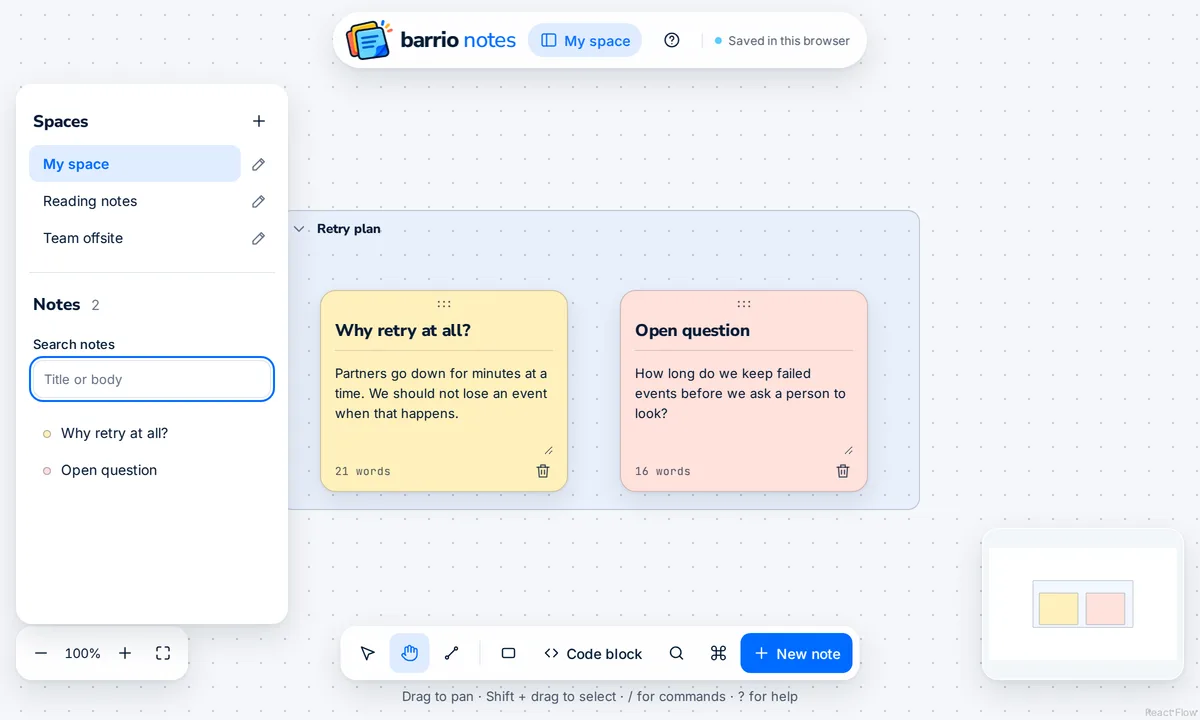
Words, diagrams, and code live on the same surface. Everything below is a real capture of the canvas, with an example board.
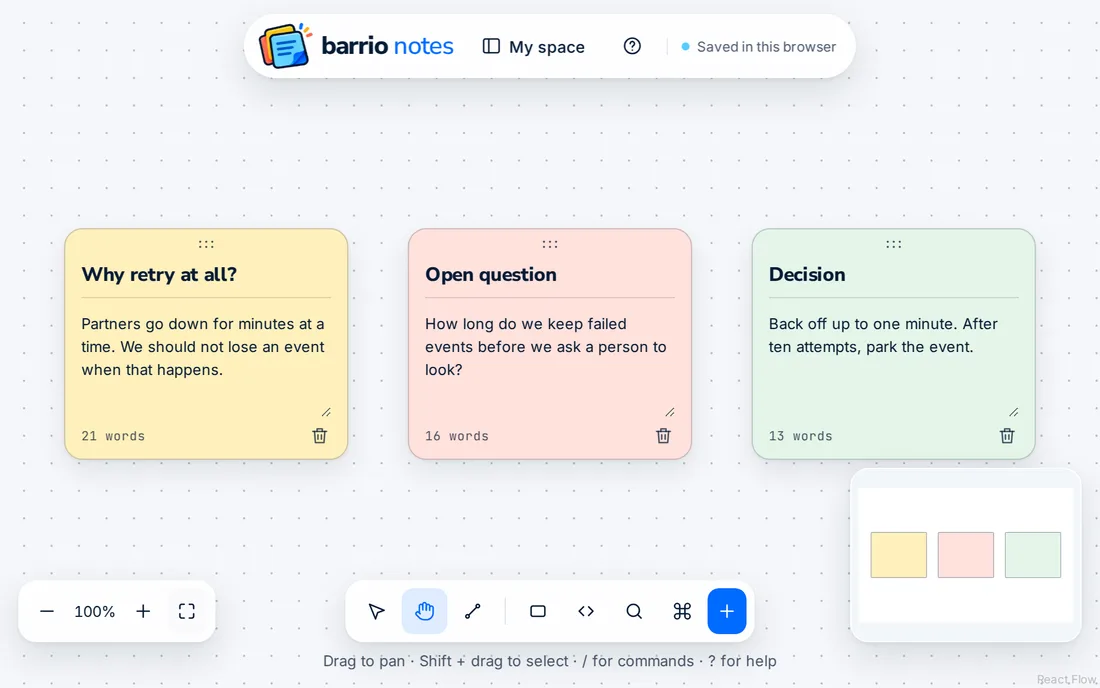
Write it down while it is still rough.
Notes come in five soft colors, so you can sort by eye. Press / for commands, and search every note from the sidebar.
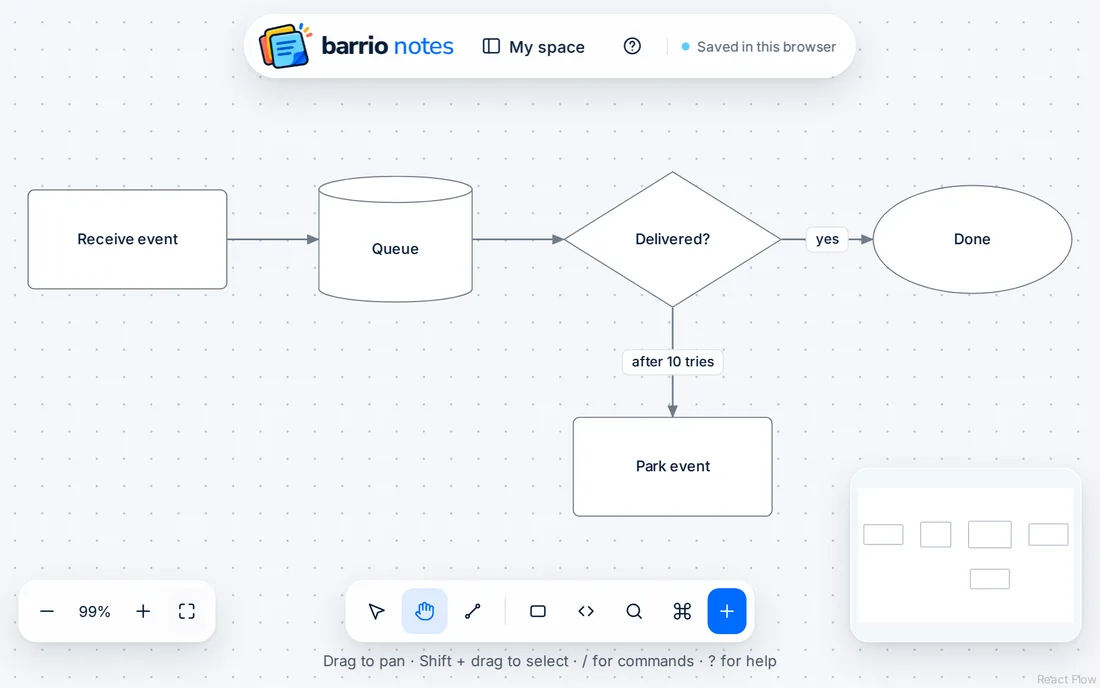
Draw the system when words stop helping.
Add rectangles, ellipses, diamonds, cylinders, and containers. Join them with labeled connectors that stay attached when you move things. Pick straight, elbow, or curved routes.
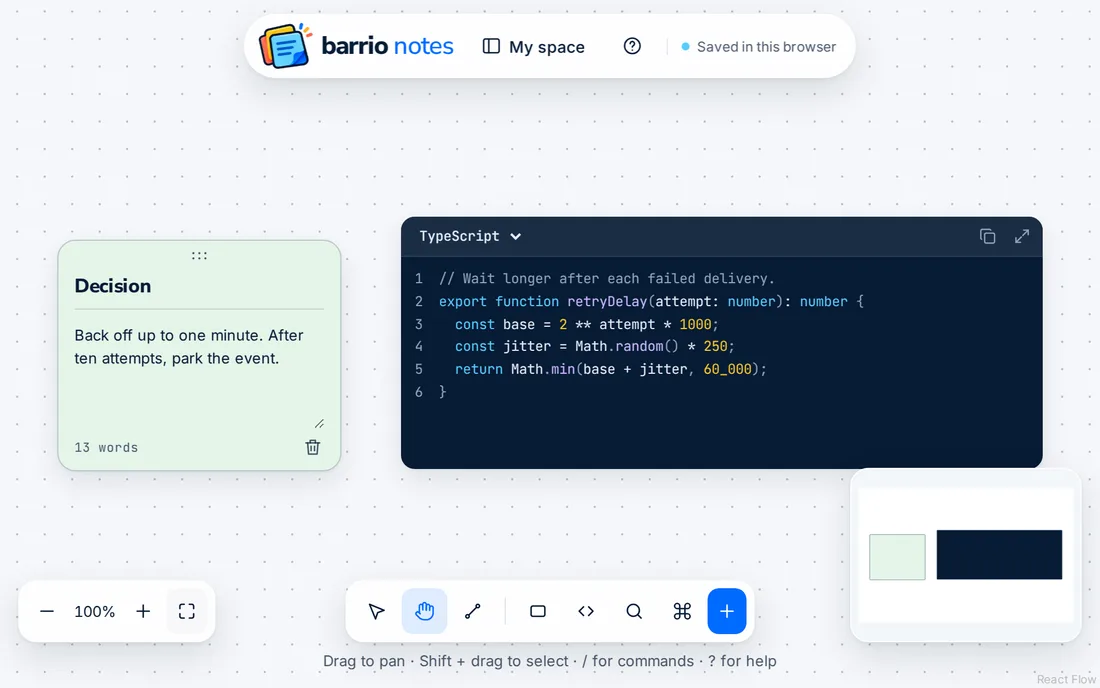
Keep the code beside the thinking.
Code blocks highlight 13 languages, with line numbers, wrapping, and one-click copy. Expand a block when you need focus, and press Esc to return to the board.
Give each project its own room.
Frames group related work, and move and collapse as one. Spaces keep separate boards apart, and you switch between them from the sidebar.
Your work stays on your device.
Guest boards save to your browser's IndexedDB as you edit, and the header shows when a save succeeds. That also means they stay in that one browser. Cloud sync is coming, and it is not here yet.
Read the privacy details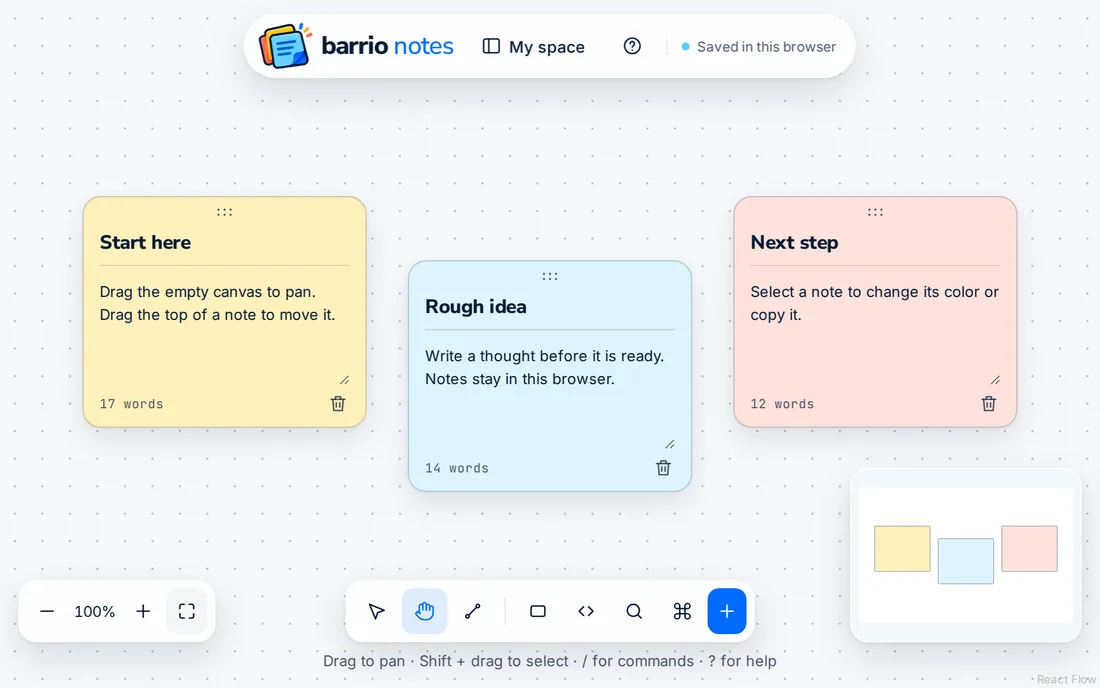
Let an agent do the layout.
Four MCP tools let an agent plan positions, check for collisions,
arrange a board, and create objects. This is a real response from
suggest_positions.
{
  "base_revision": 0,
  "geometry_version": 1,
  "engine_version": "barrio-local/1",
  "strategy_used": "local",
  "seed": 1,
  "options": { "gap": 24 },
  "positions": {
    "a": { "x": 0, "y": 0 },
    "b": { "x": 0, "y": -124 }
  },
  "bounds": { "x": 0, "y": -124, "width": 200, "height": 224 },
  "moved_ids": [],
  "collision_pairs": [],
  "label_conflicts": [],
  "warnings": [],
  "complete": true
}